

€ 60.76

Sponsored links
|
|
€ 60.76 |
To Shop
|
| COMPARE ALL WEBSHOPS (1) | ||
 Description
Compare webshops (1)
Sponsored links · Some shops pay us a fee
€ 60.76
Shops with other sizes
Description
(1)
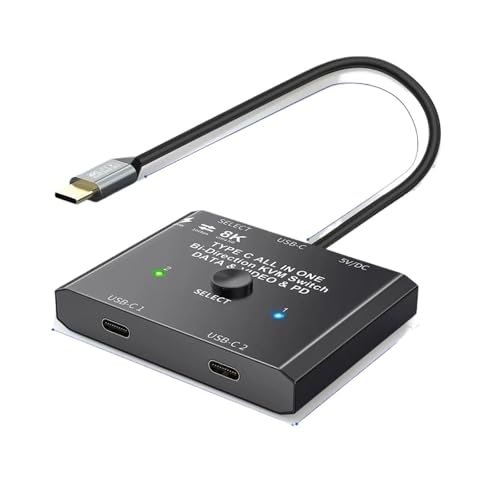
Connect USB-C cables: Use the included USB 3.1 n 2 cables to connect the "USB-C 1" and "USB-C 2" ports to the source or display device Connect to monitor: Use the USB-C cable fixed to the switcher to connect to the monitor's USB-C port, ensuring the monitor supports video transmission and the video function is enabled Power the switcher: Connect the included Micro USB to USB-A cable to a power source to power the switcher (necessary for operation; the monitor won’t display without power) Switching input: Press the "Select" button or use the wired controller to toggle between devices
 Related results
 Product specifications


