

€ 79.07

Featured
|
|
€ 79.07 |
To Shop
|

|
€ 79.07 |
To Shop
|
| COMPARE ALL WEBSHOPS (2) | ||
 Description
Compare webshops (2)
€ 79.07
€ 79.07
Shops with other sizes
Description
(1)
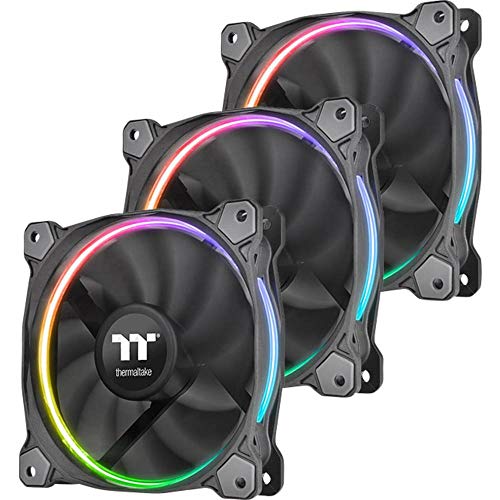
Patented Design - The patented LED ring maintains colour and brightness uniformity. The lighting effect is visible from all directions and adds aesthetics to the chassis. Taiwan Patent: M498806 China Patent : CN204498539U, US Application Patent: 14/702,806 Riing RGB Software - The Riing RGB software allows users to connect with a maximum of 16 digital fan hubs. By this way, users can easily adjust the fan speed and the fan colours. Most importantly, it provides users with the most convenient method to monitor the operation status of the fans. The RGB software supports multiple languages. From the version 2.0.2, the automatic software updates is available Riing RGB Software – Select a Fan Hub and Set up a Profile - The number of each fan hub is showed at the top left of the user interface. At the top right hand corner, users will find profiles. Users are allowed to set up a maximum of five profiles. By the control panel, users can adjust the Fan Speed Mode and LED Lighting Mode for the corresponding fan. When the setting is done, users need to click “Save” to apply it. Riing RGB Software – Disable PWM Function - The PWM function allows the motherboard to run the fan precisely at its necessary speed. This guarantees the required cooling performance as well as minimising the noise level. However, if users want to set the fan to run at certain speed, they can turn off the PWM via the software. Riing RGB Mobile App - Personalise the RGB lighting, adjust the fan speeds, or make the LED pulse to the beat all from your mobile devices.
 Related results
 Product specifications


