

€ 14.50

Sponsored links
|
|
€ 14.50 |
To Shop
|
| COMPARE ALL WEBSHOPS (1) | ||
 Description
Compare webshops (1)
Sponsored links · Some shops pay us a fee
€ 14.50
Shops with other sizes
Description
(1)
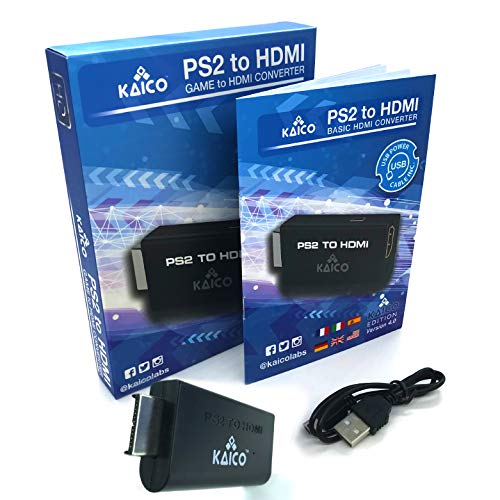
YOU MUST change the DISPLAY output on your PS2 to get component video output: Y Cb Pb Pb Cr Br' before first use SUPPORTED RESOLUTIONS - 480i, 480p and 576i (for all TV and monitors) TRUE PLUG & PLAY - Simply plug the HDMI adapter directly into your Playstation 2 (AV port) and connect a standard HDMI cable to the adapter and then to your TV. FOR HEADPHONES - If you like to play with headphones, they can be connected to the converter with a standard 3.5mm jack cable. PS2 Games ONLY: This adapter supports the component output of the PS2, This means it does not work with PS1 Games. Please bear this in mind before purchasing
 Related results
 Product specifications


